Screenshots
All screenshots show the UPI reference scenario: 5,000 consumers, 400 merchants, 90 days of history, then a live stream to Kafka at 50 events per second.
First Run
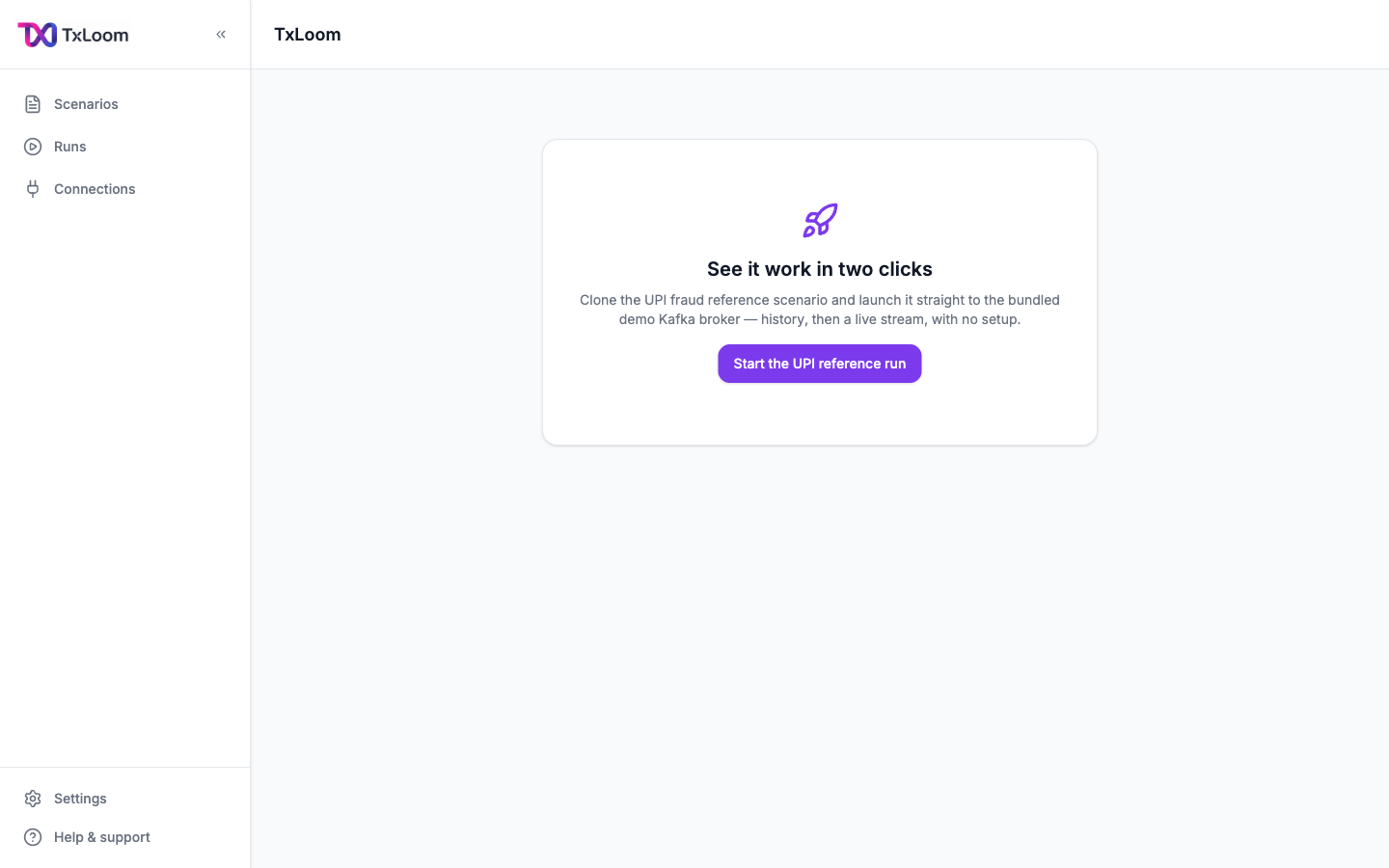
On an empty install with the demo Kafka broker, one button clones the reference scenario and launches it.
Scenarios and Template Gallery
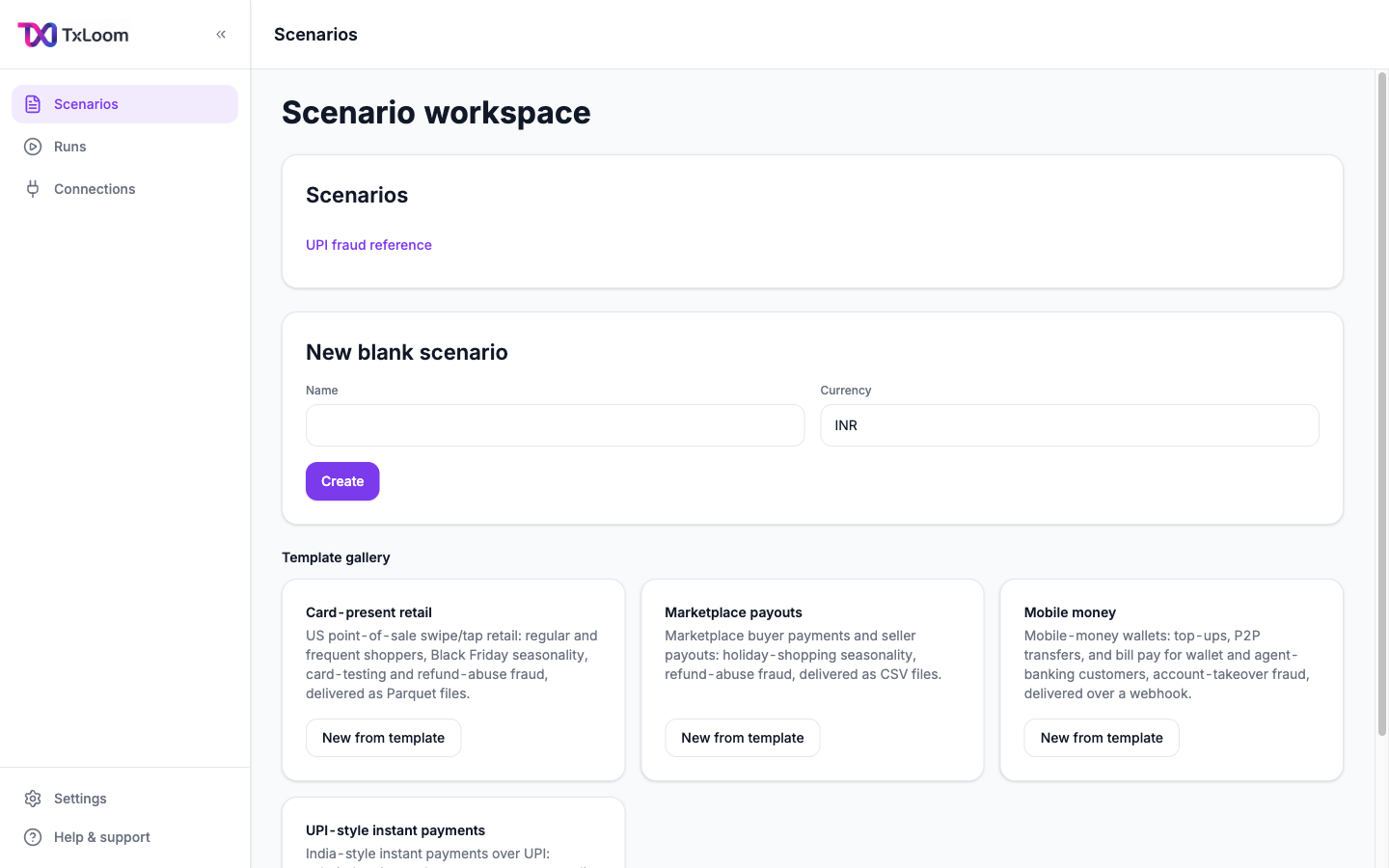
Your scenarios, a form for a blank scenario, and the four templates.
Scenario Workspace
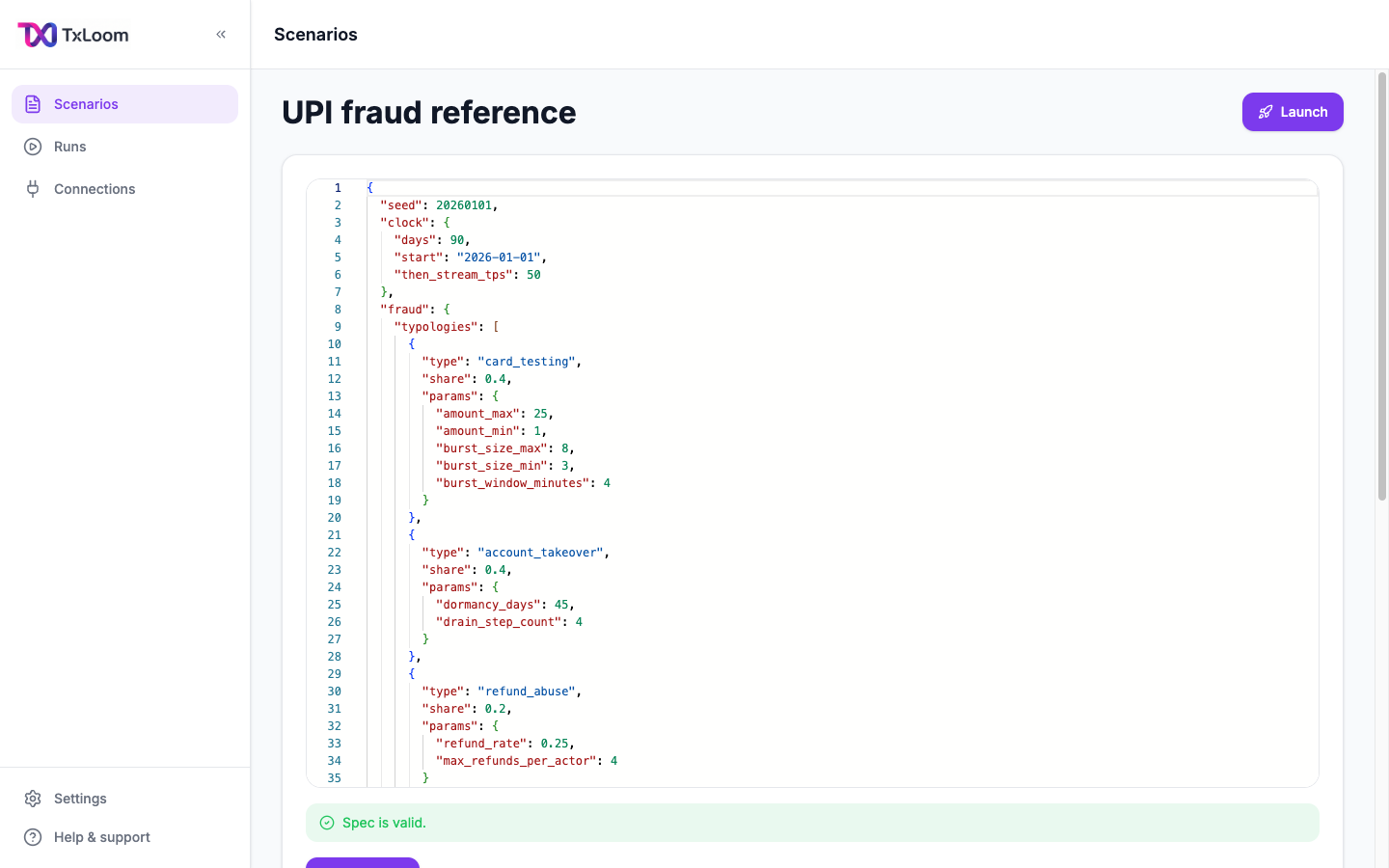
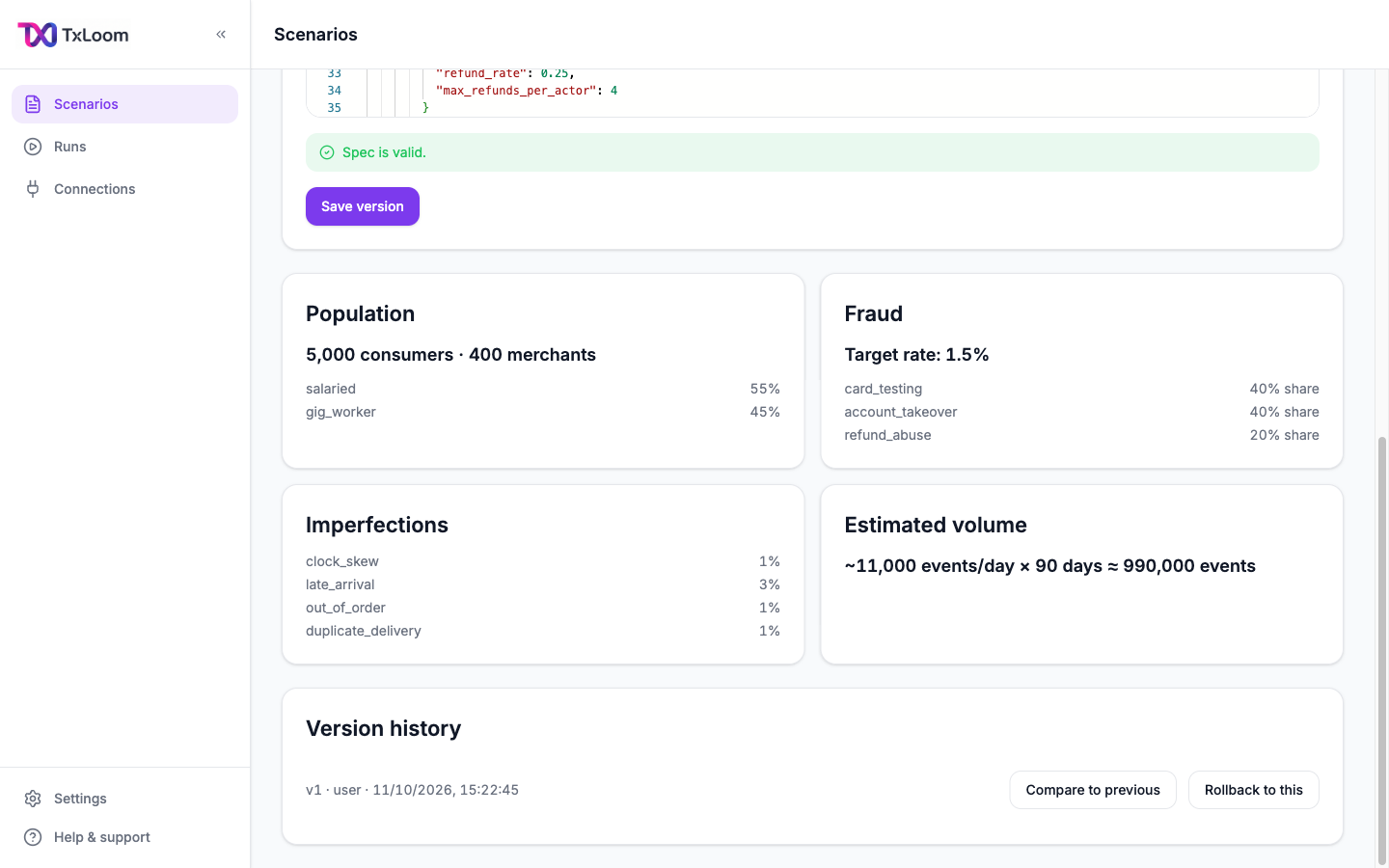
The spec editor with schema autocomplete and live validation.
Below the editor: the structural preview (population, fraud mix, imperfections, estimated volume) and the version history with compare and rollback.
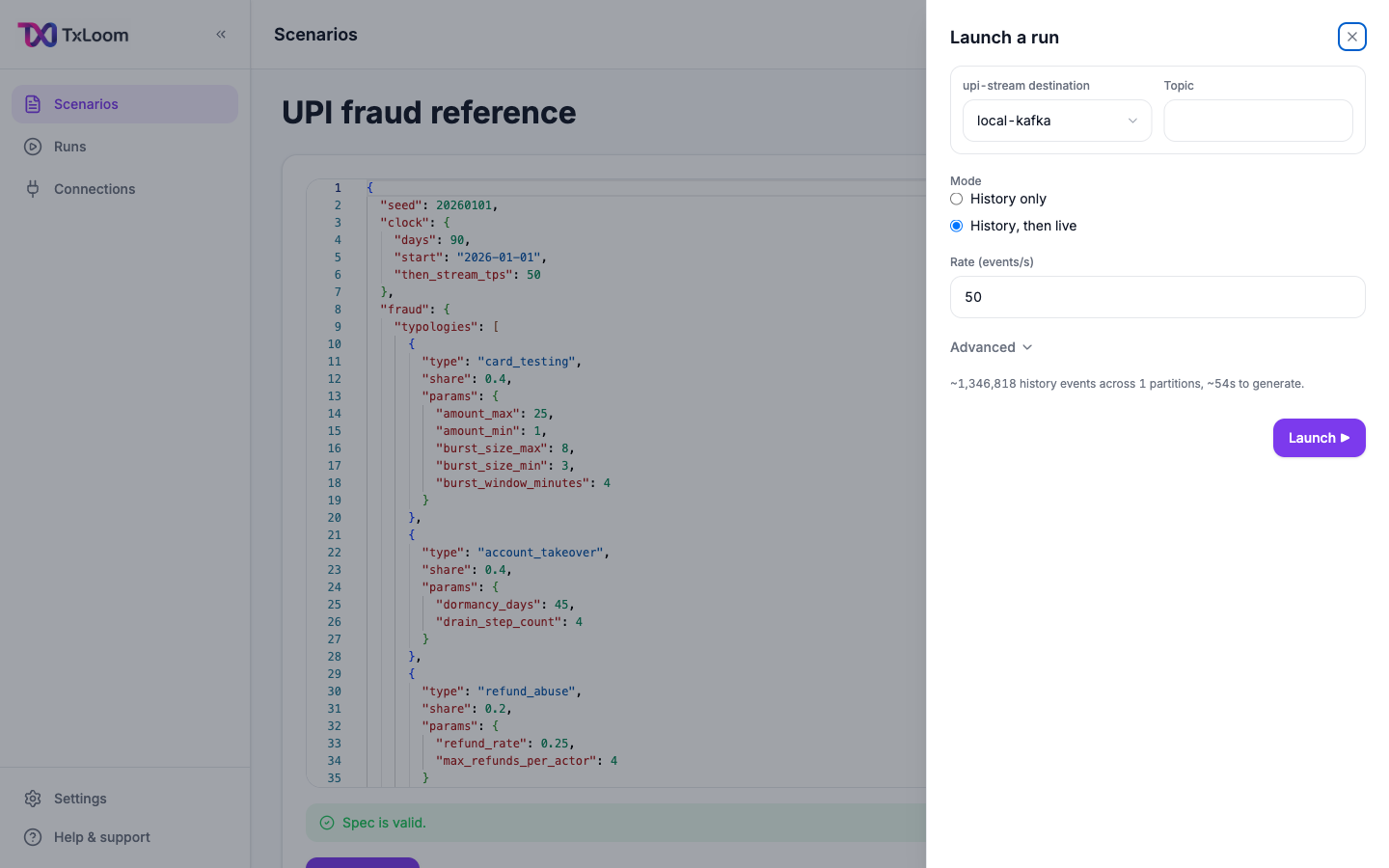
Launch Drawer
Bind each sink to a connection, choose the mode and rate, and see the estimate before launching.
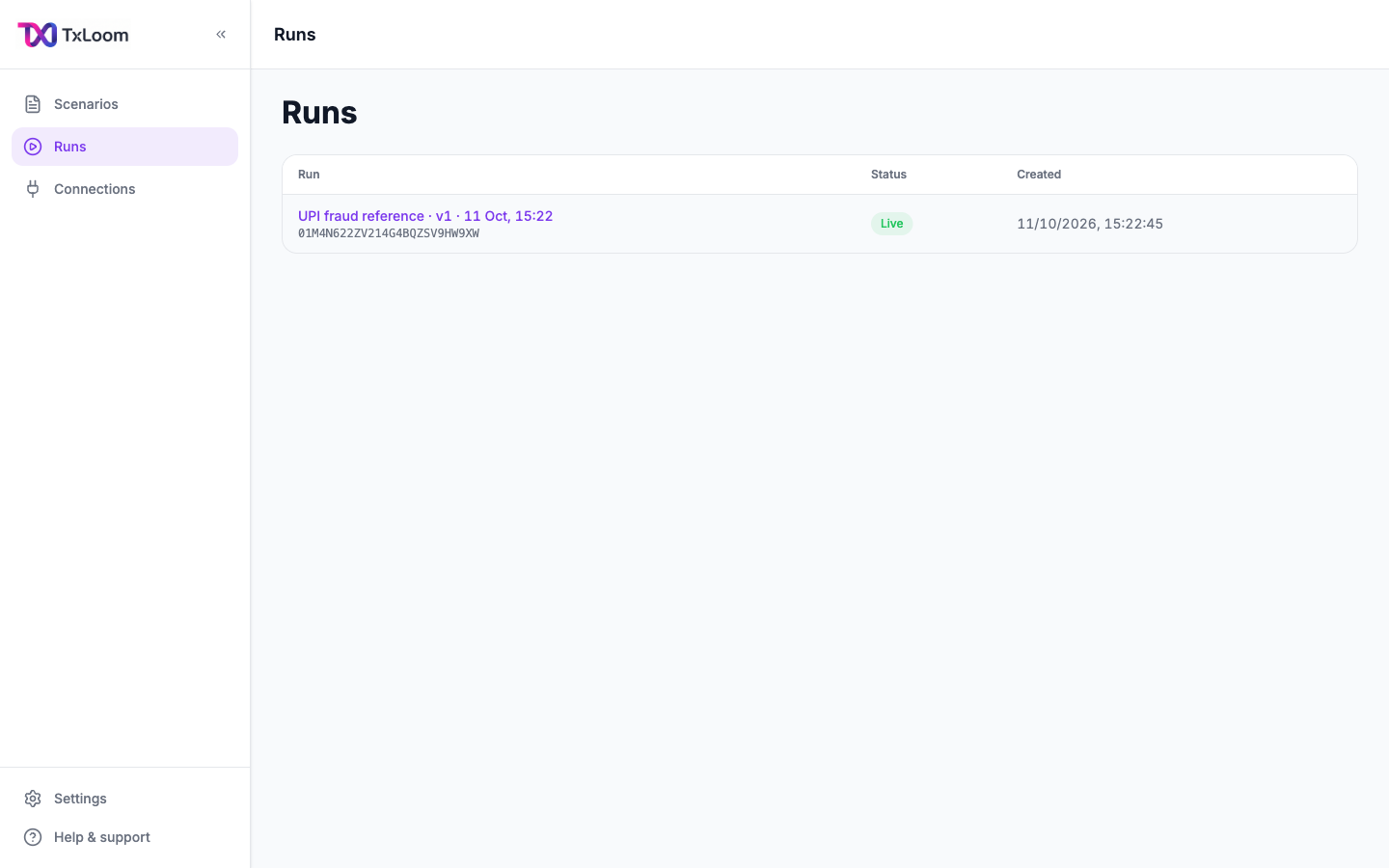
Runs
Every run, named by scenario, spec version and start time.
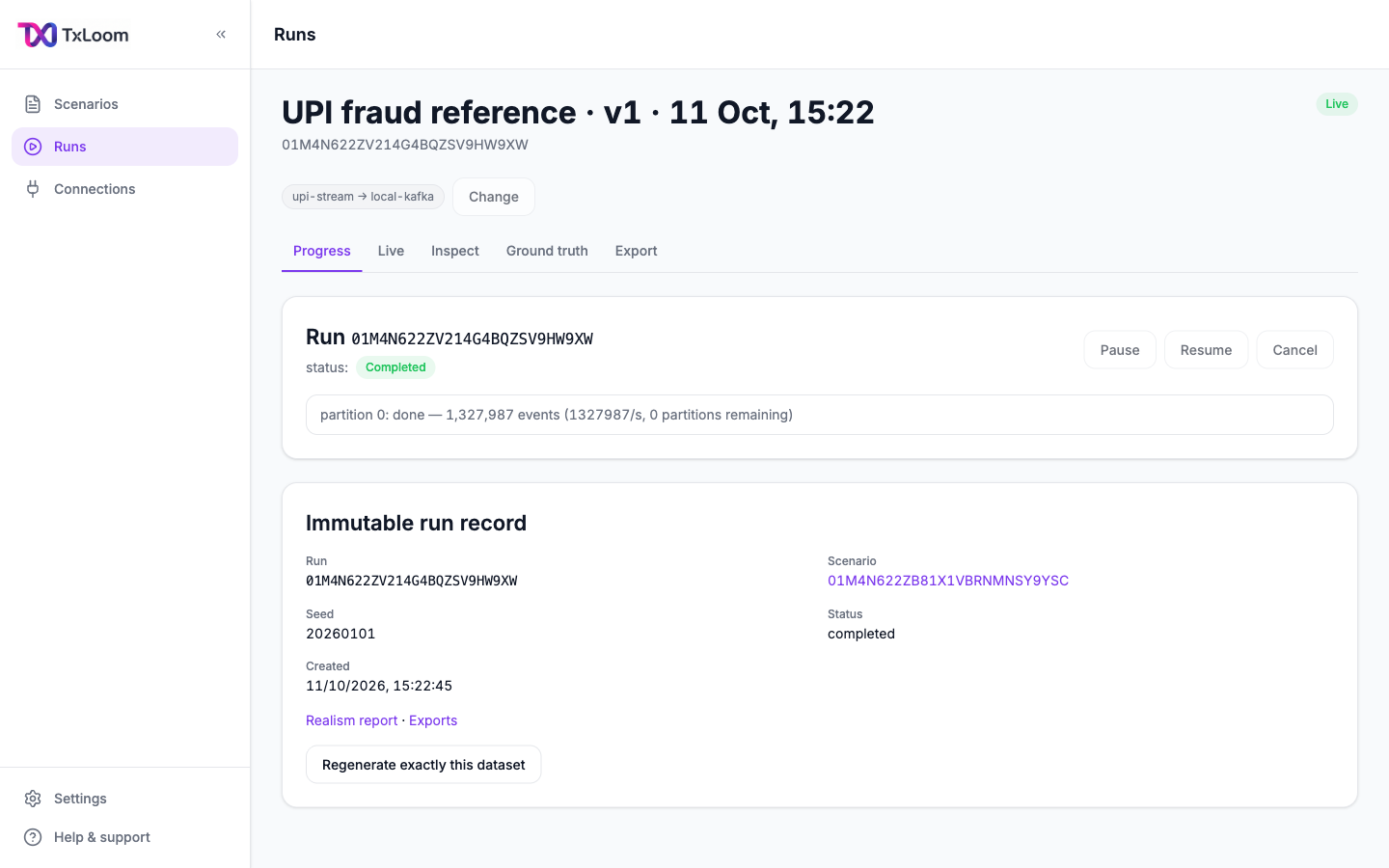
Run Progress
Partition progress, run controls, and the immutable run record with Regenerate exactly this dataset.
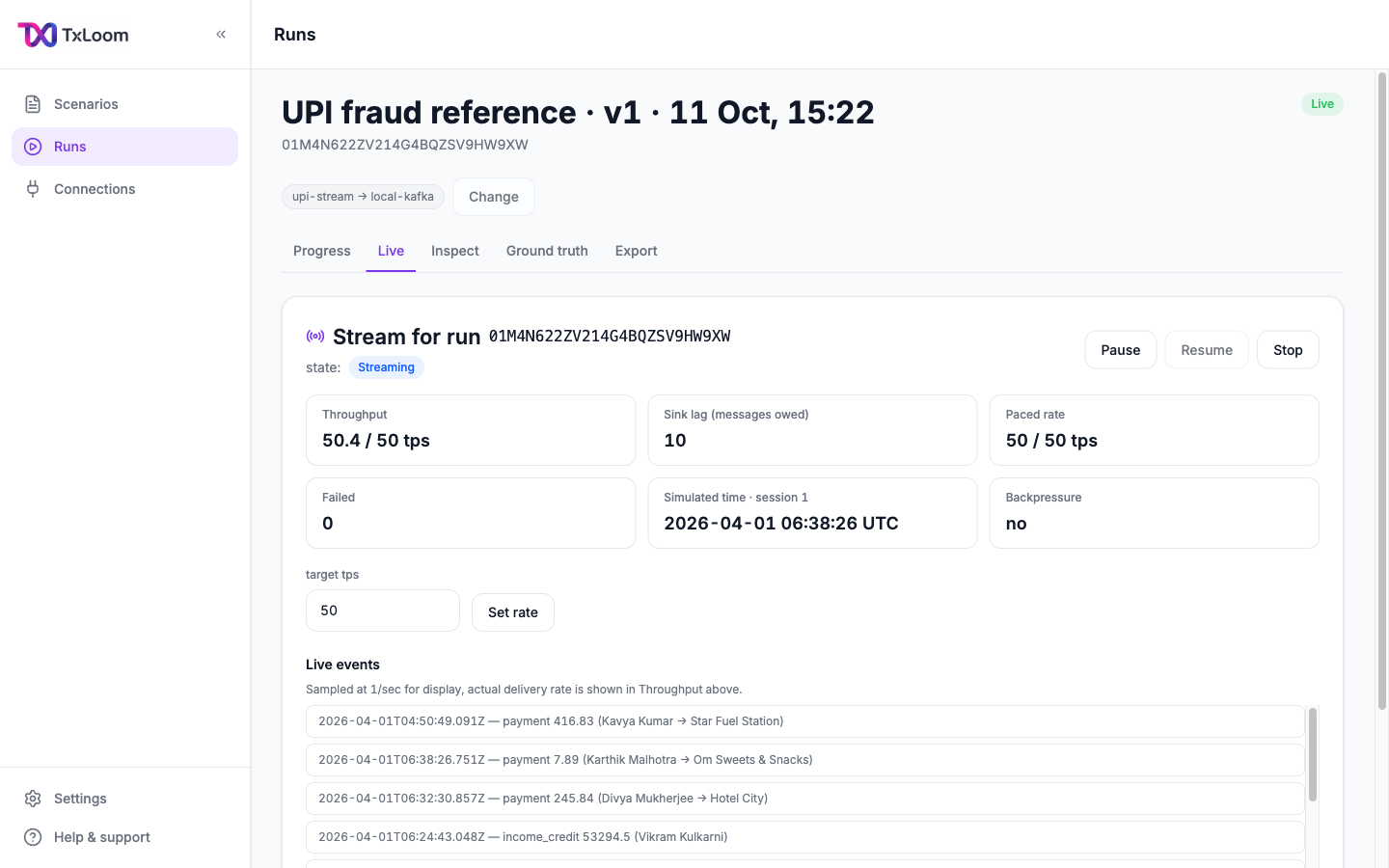
Live Stream
Achieved throughput against the target, sink lag, paced rate, failed deliveries, simulated time, backpressure, and a ticker of sampled events.
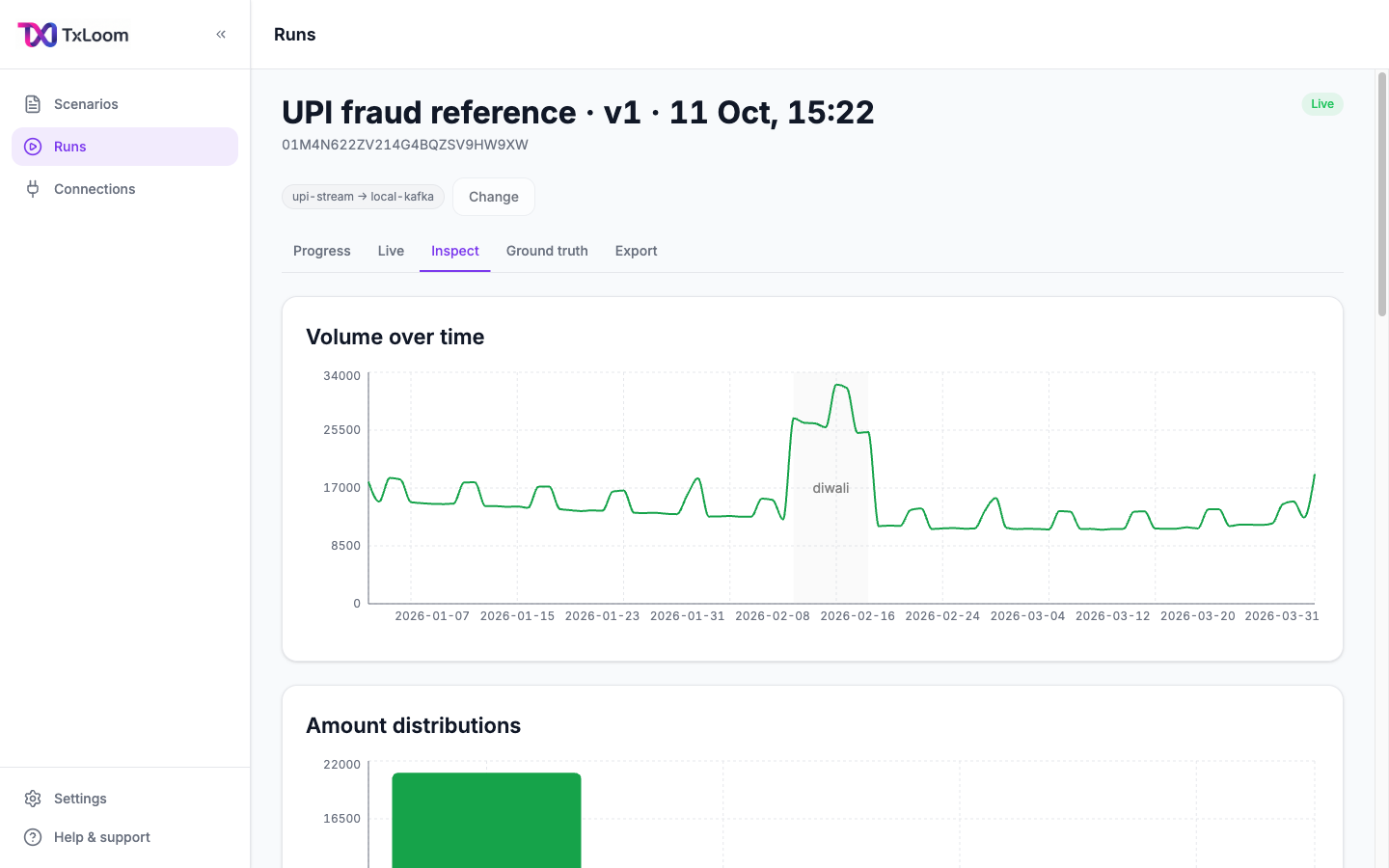
World Inspector
Volume over time, with the Diwali seasonality window shaded.
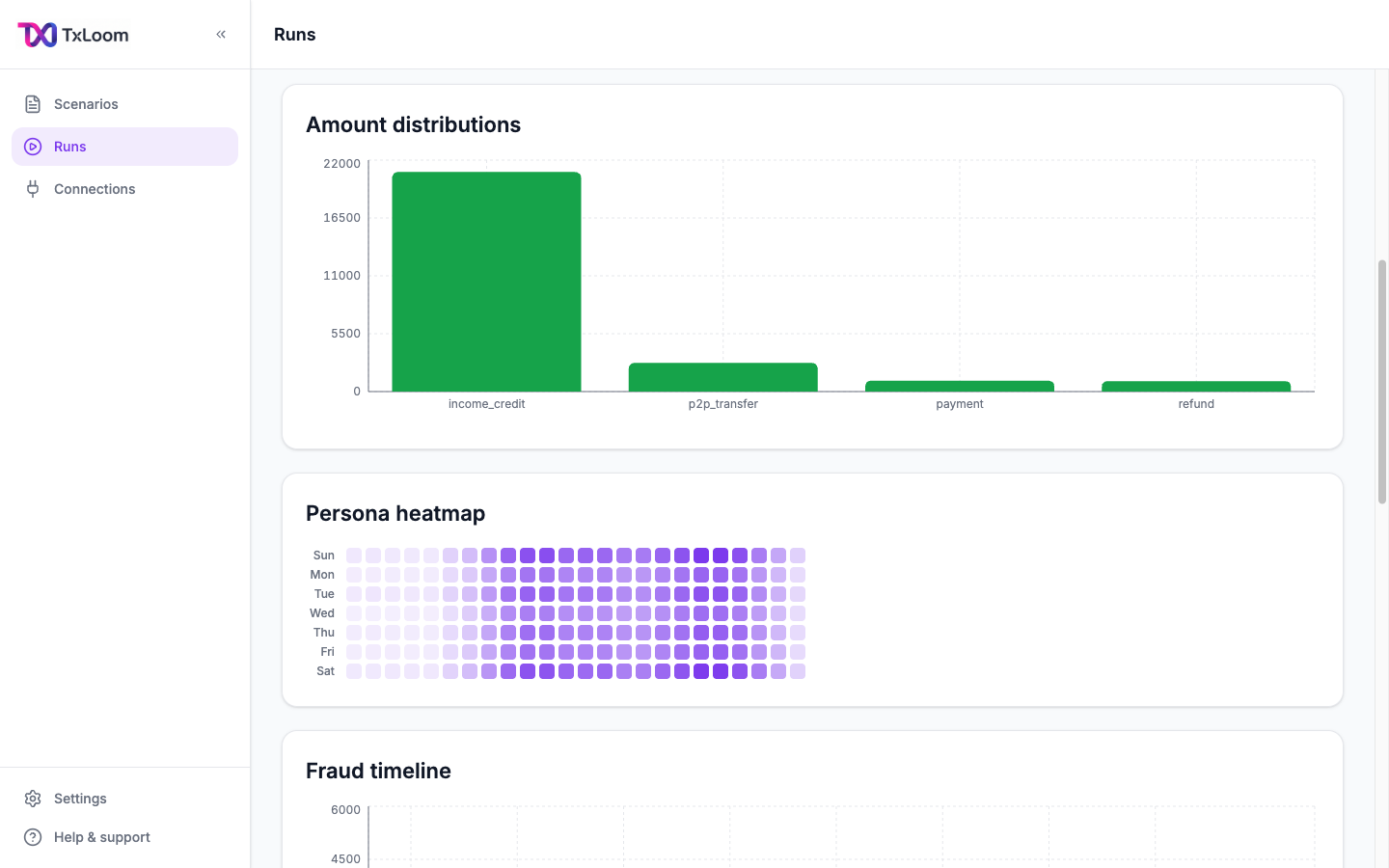
Amount distributions per event type and the day-of-week by hour-of-day activity heatmap.
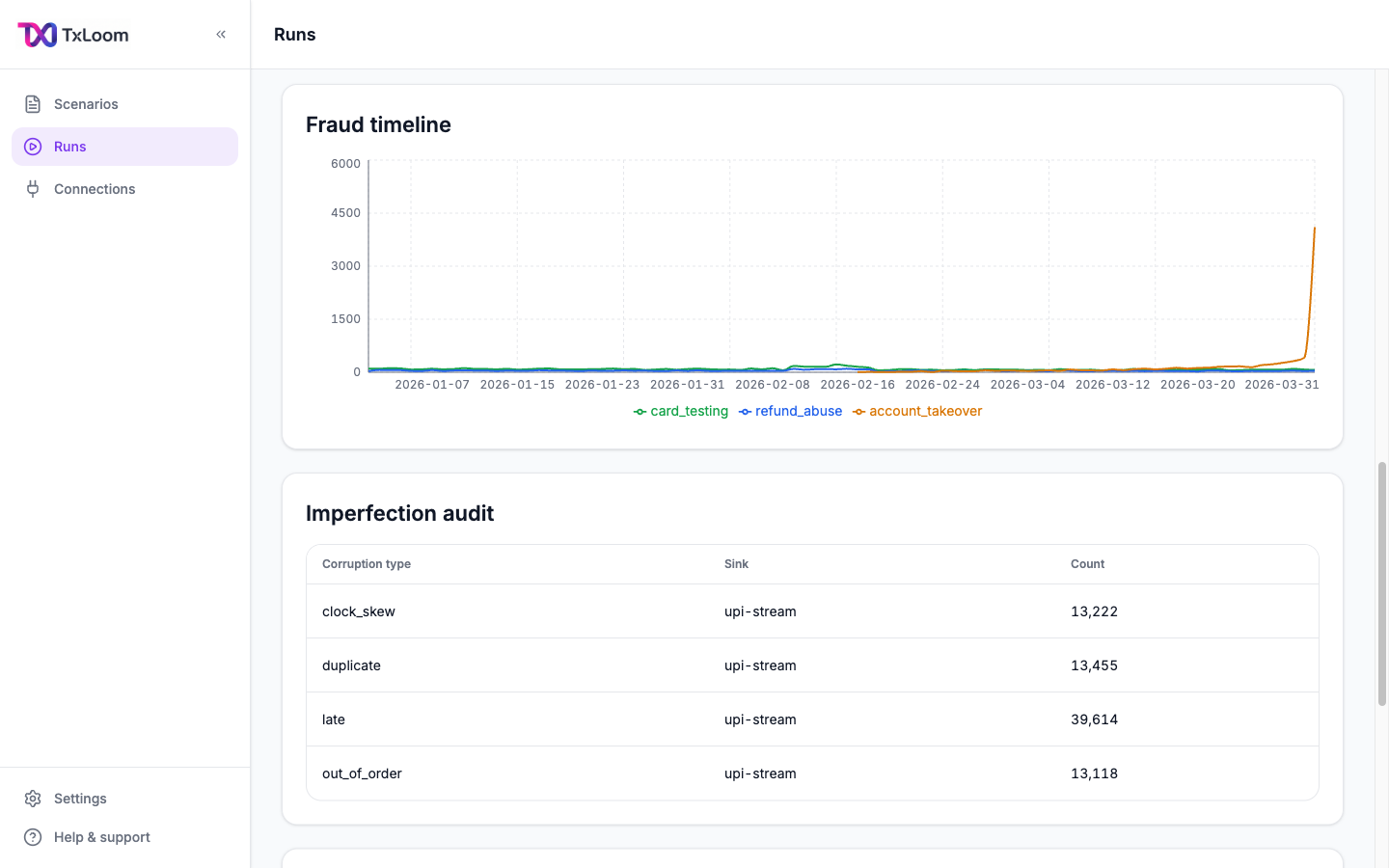
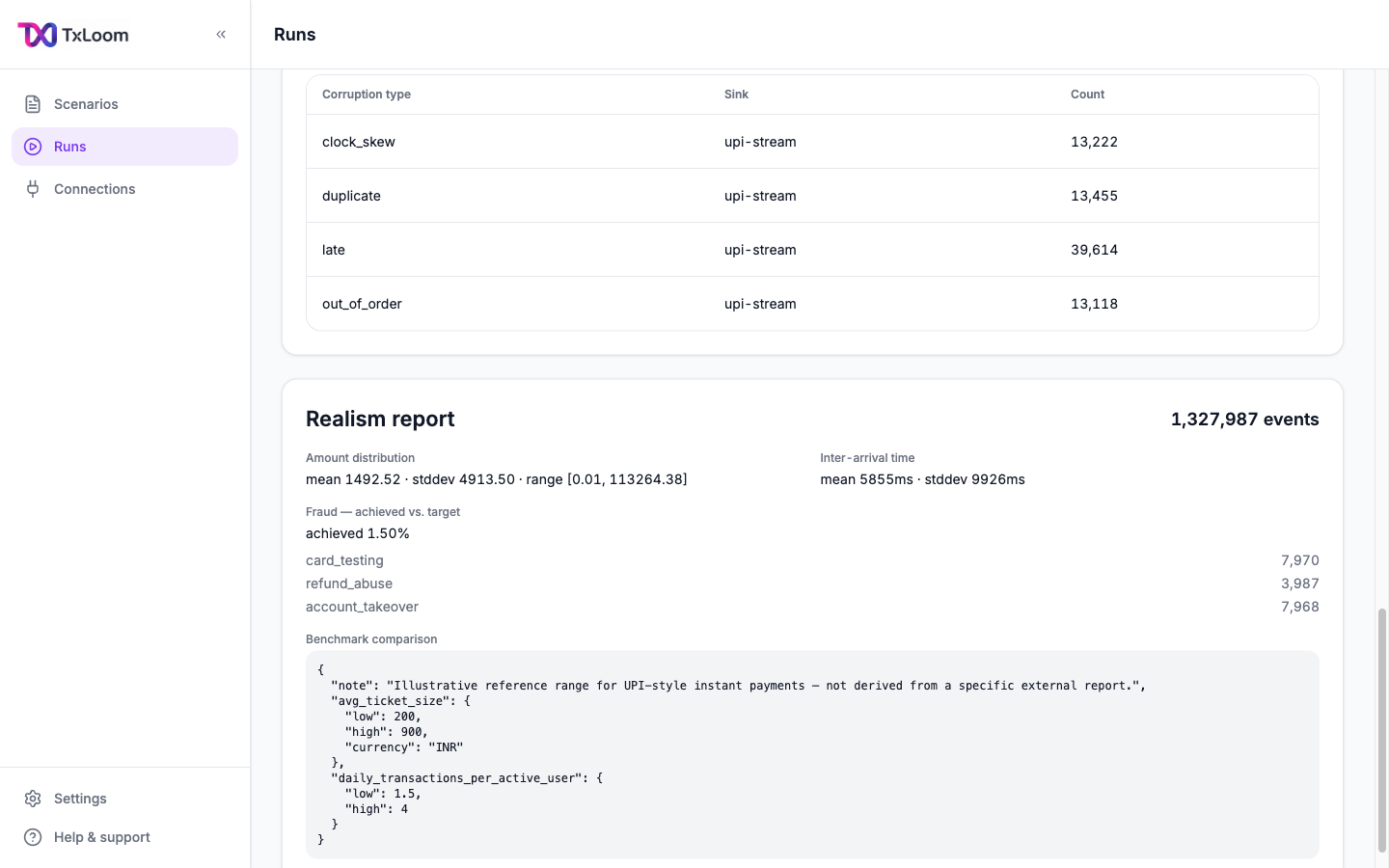
Fraud events per day by typology, and the imperfection audit per sink.
Realism Report
Event count, amount statistics, inter-arrival time, achieved fraud rate with counts per typology, and the template's benchmark reference.
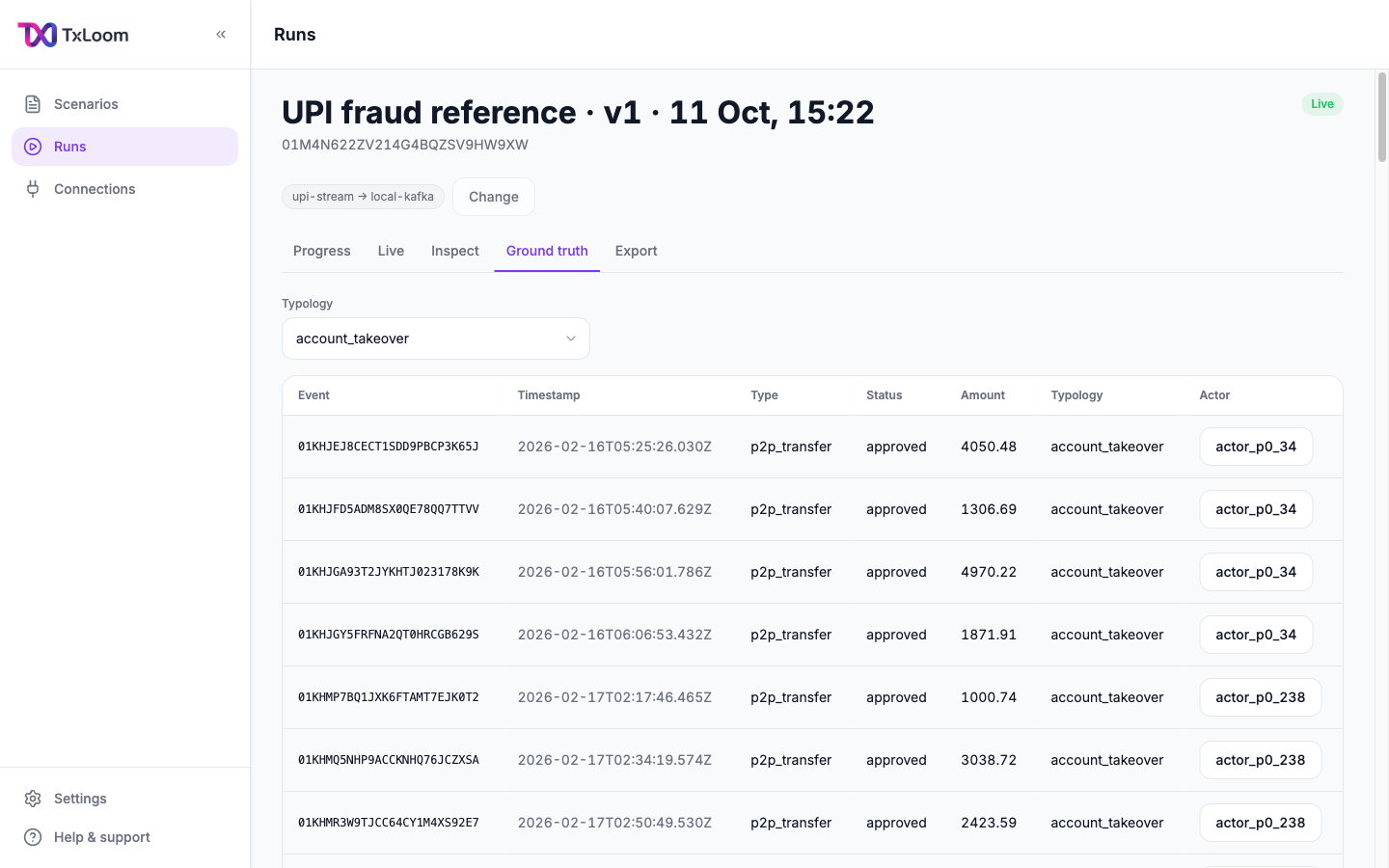
Ground Truth
Labeled events filtered to the account-takeover typology.
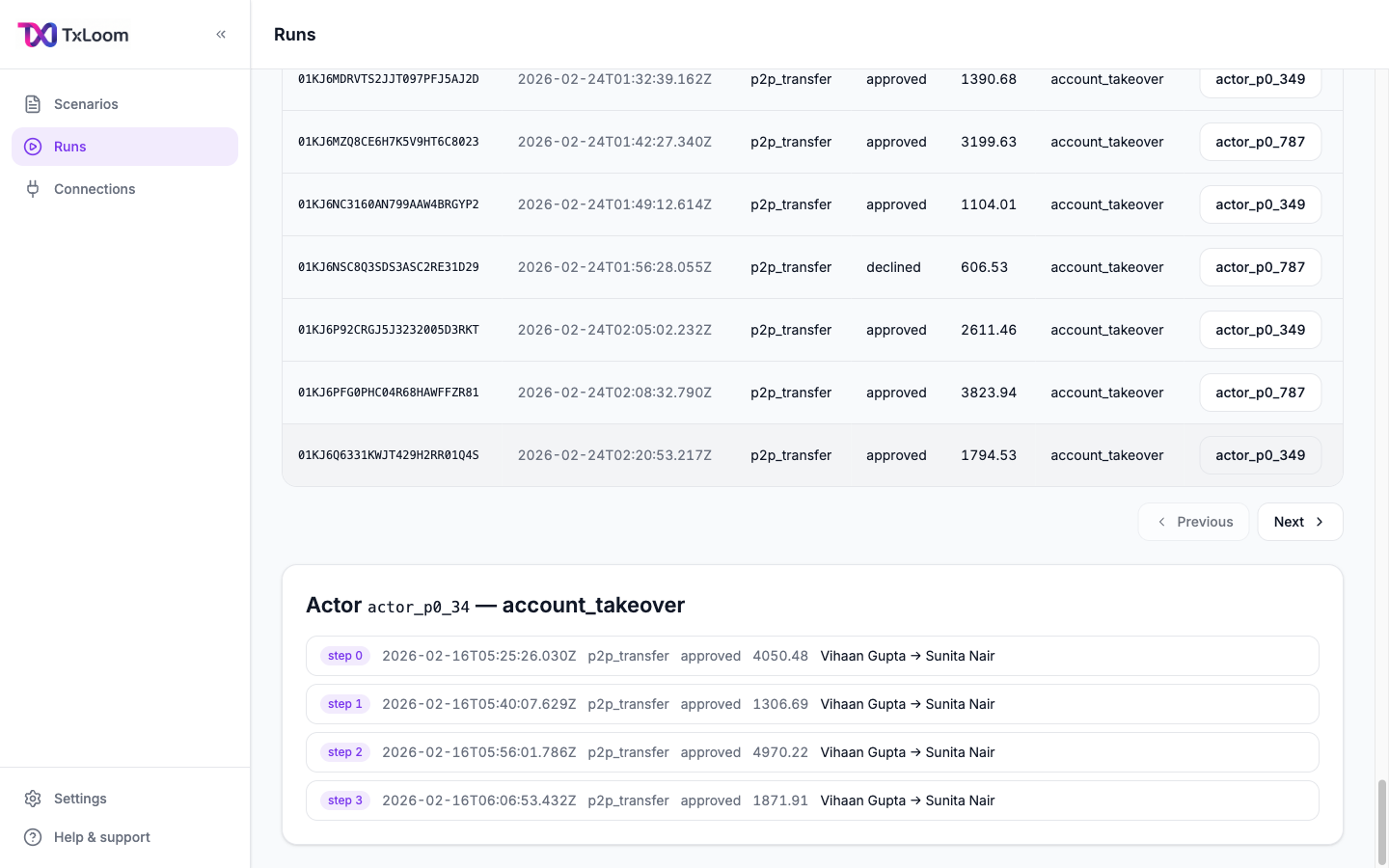
Actor Story
One actor's campaign, step by step: four draining transfers from the same victim.
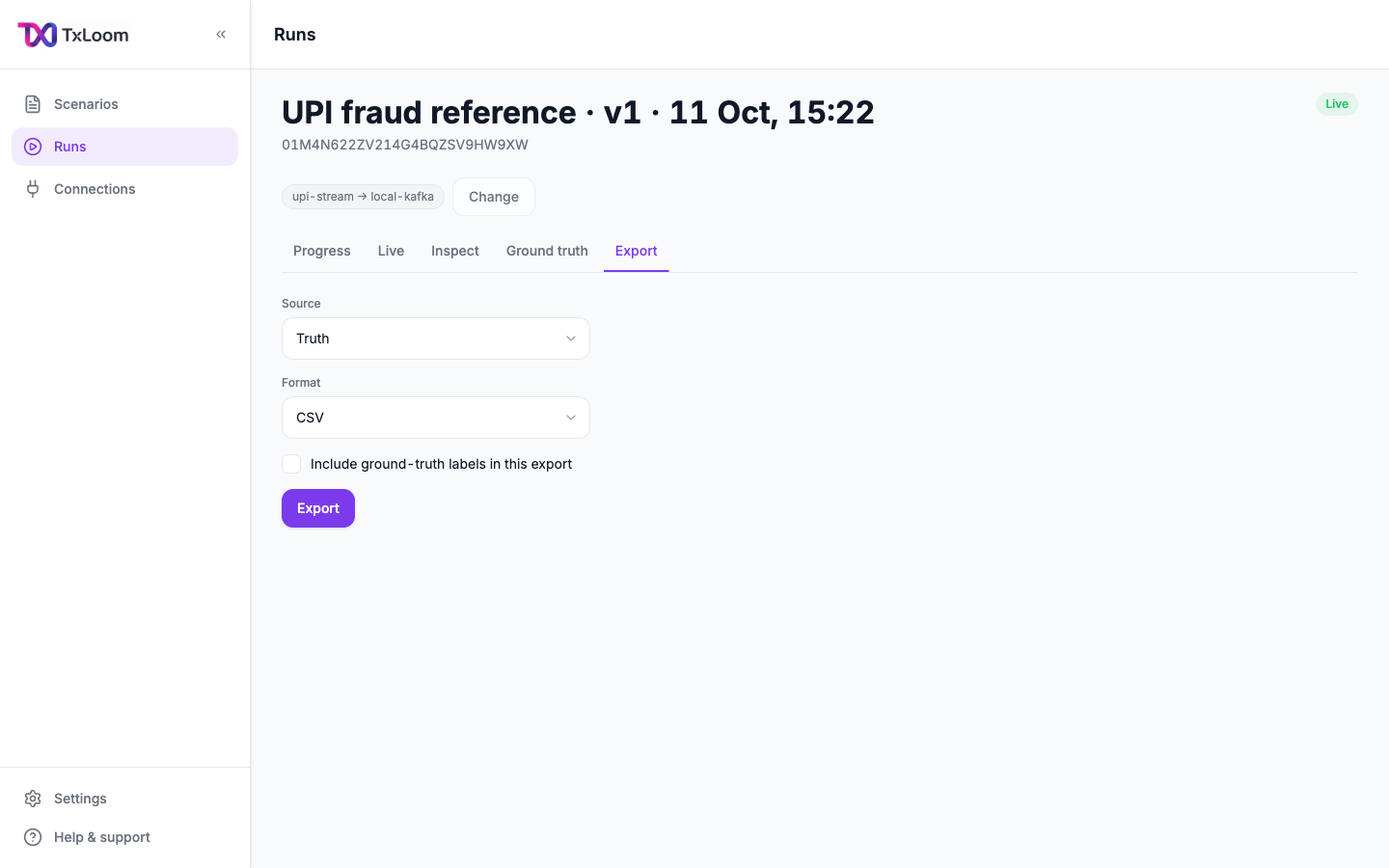
Export
Choose the source and format. Labels are excluded unless you include them.
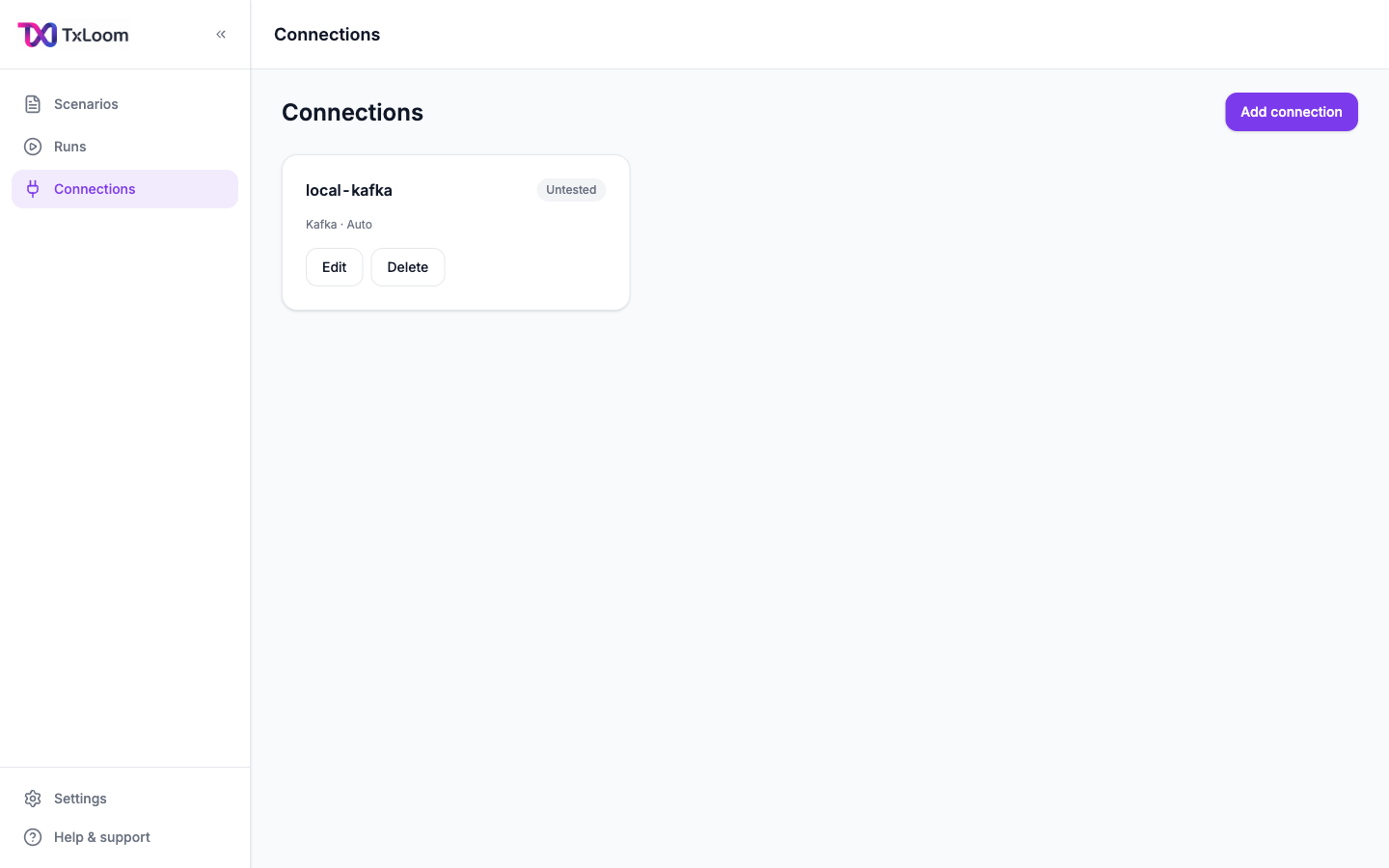
Connections
Saved connections with their health. local-kafka is registered automatically when the demo broker is running.
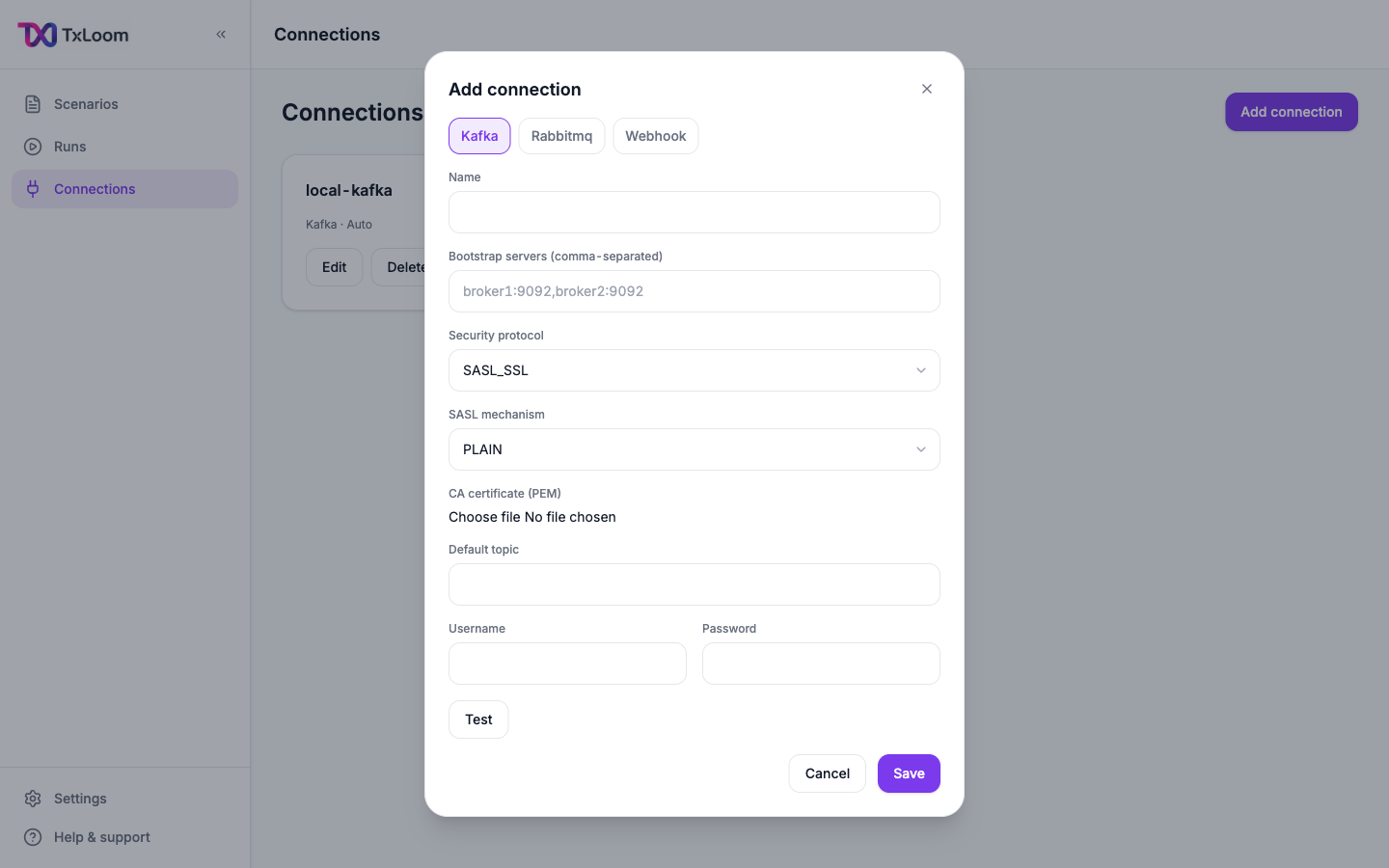
The Kafka form with SASL_SSL selected: SASL mechanism, CA certificate and credentials, with Test available before saving.
Settings
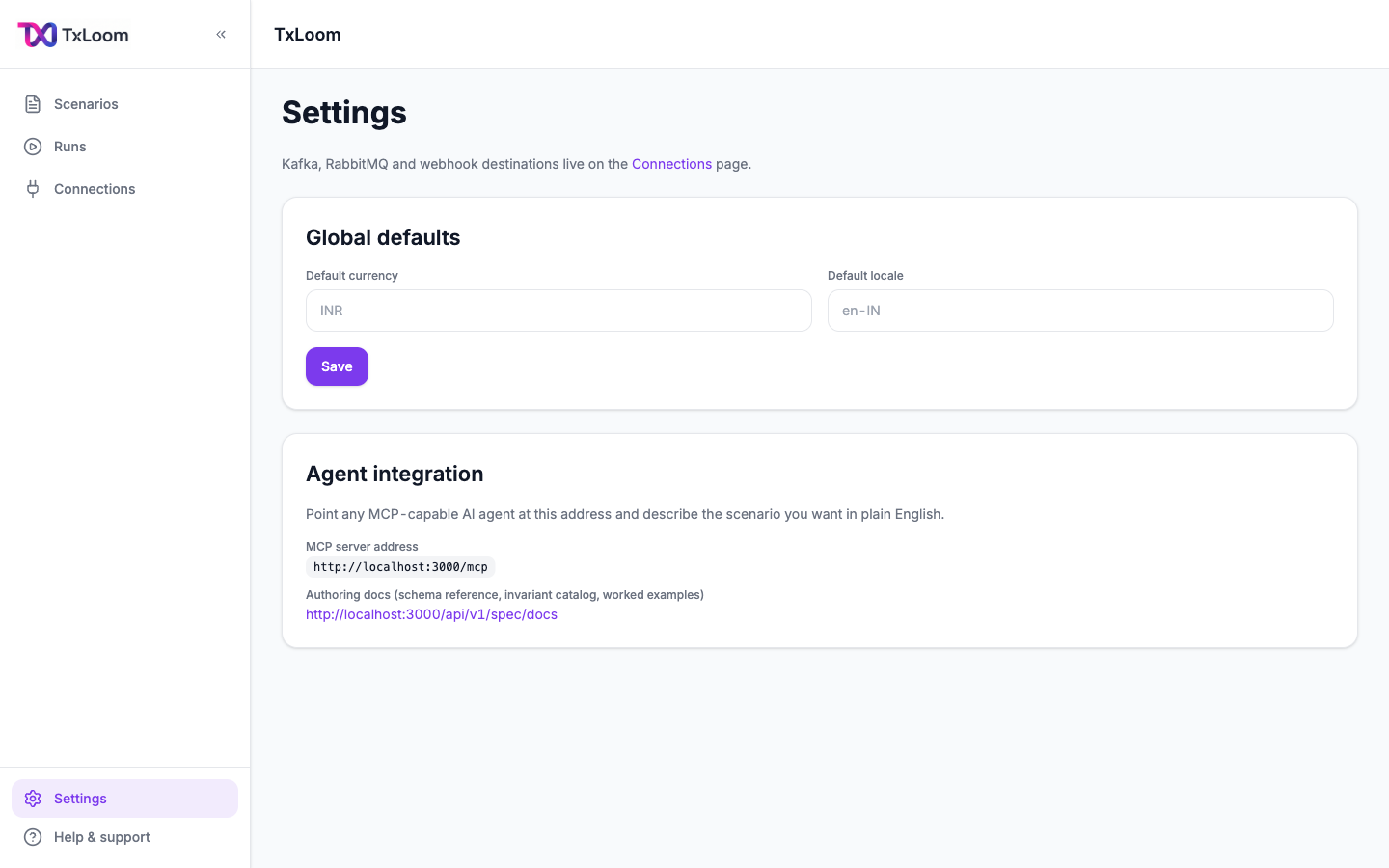
Global defaults, the MCP server address and the authoring docs link for AI agents.